242 articles
Chrome print settings give you precise control over every aspect of a print job — margins,…
Chrome parental controls combine Google Family Link supervision, SafeSearch filtering, content…
Managing Chrome passwords means auditing what is stored, editing outdated credentials,…
Chrome pinned tabs lock your most important tools to the left of the tab bar — protected from…
Chrome themes change the visual appearance of the browser frame, tab bar, and new tab page —…
Chrome startup settings determine whether Chrome opens to a clean new tab, restores the…
Setting Chrome as default browser ensures every link clicked outside the browser opens in…
Chrome custom search engines let you search any website directly from the address bar using a…
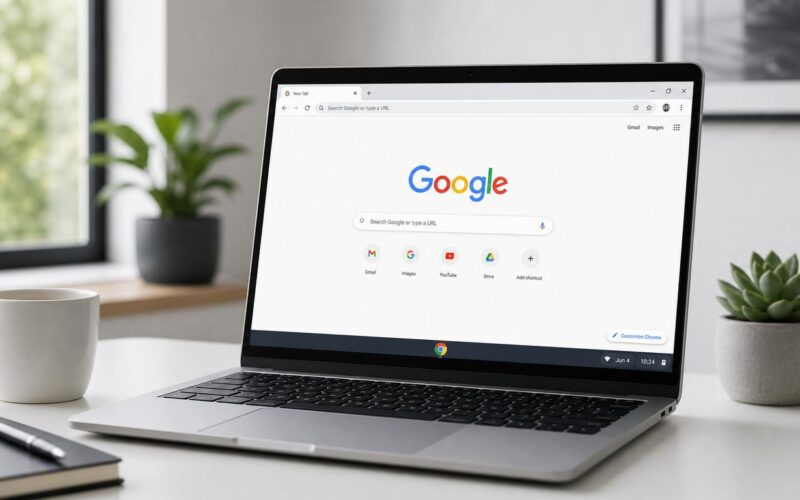
The Chrome new tab page is one of the most frequently seen browser interfaces — and one of the…
Chrome task manager shows exactly which tabs and extensions are consuming memory and CPU in…
Chrome reading mode strips web pages down to their essential content — headline, body, and…
Chrome Memory Saver automatically reduces RAM usage from inactive tabs without closing them —…
Get the week's best Windows fixes, software picks, and security guides delivered straight to your inbox. No noise, just solutions.
Press ESC to close · Try "Windows 11" or "Chrome"