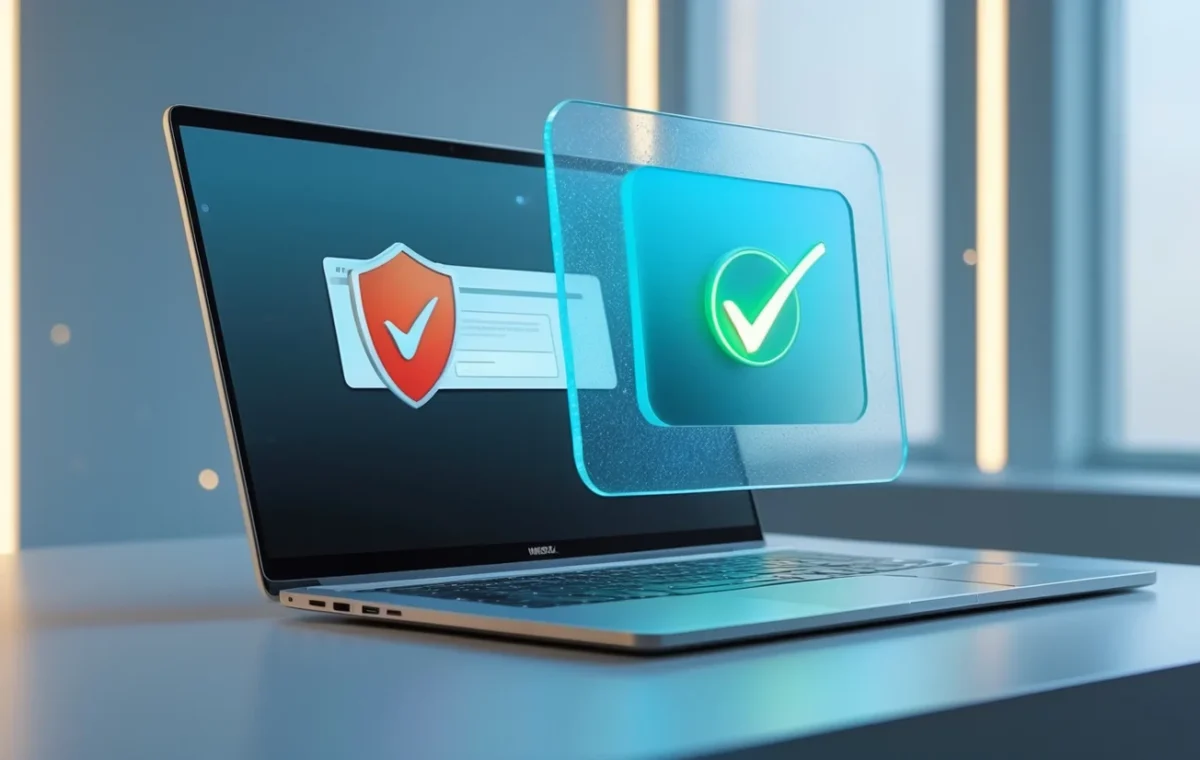
There is some genuinely good news in security this week, and it is the kind that affects everyday browser users directly. On June 18, an international law-enforcement coalition known as Operation Endgame struck one of the internet’s most persistent scams: the fake browser update. Police agencies in the Netherlands, Canada, the United States, and Germany, coordinated by Europol, seized more than 100 servers and cleaned nearly 15,000 hacked websites that had been tricking visitors into installing malware disguised as a routine browser update.
The operation disrupted a malware network called SocGholish, also known as FakeUpdates, which had been running since 2017. It is a real win. But if you use Chrome, Firefox, or Edge, the more useful takeaway is not the takedown itself. It is understanding how a fake browser update scam works, how to recognize one, and how to update your browser the right way so that a pop-up can never fool you again. This kind of scam does not vanish when one network goes offline, so the habits below are what actually keep you protected.
What a fake browser update scam actually is
A fake browser update is one of the oldest and most effective tricks online, precisely because it does not look like an attack. You visit a normal website, often one you have used before and have every reason to trust, and a message appears telling you your browser is out of date and needs updating. It may be styled to look exactly like a Chrome, Firefox, or Edge notification. You click “Update,” a file downloads, and the moment you run it, malware quietly installs on your computer.
The reason these scams reach trusted websites is that criminals do not build fake sites; they hijack real ones. SocGholish, the network disrupted this week, specialized in compromising legitimate WordPress sites and injecting hidden code that displayed the fake update prompt to visitors. From there, the malware opened a backdoor that attackers used to deploy ransomware, banking trojans, and information stealers. Security researchers have rated SocGholish as one of the most common malware loaders on the entire internet, which gives you a sense of just how widely the fake browser update technique has been used.
The takedown removed a large chunk of that infrastructure, and that is worth celebrating. But the fake browser update playbook is public and other criminal groups use it too, which is exactly why the goal here is not to react to one network. It is to make yourself immune to the trick entirely.
How to tell a browser update pop-up is fake
The single most important fact to internalize is this: your browser never asks you to update through a website. A fake browser update relies entirely on you not realizing that. Real updates for Chrome, Firefox, and Edge happen quietly in the background, and any genuine prompt appears inside the browser’s own menus, never as a pop-up or banner on a web page you are visiting. Once you know that, almost every fake browser update gives itself away.
A few specific warning signs to watch for:
- It appears as part of a web page. If the “update” message is sitting inside the page content or overlaying the site you are reading, it is fake. Genuine browser notifications come from the browser itself, in its own toolbar or settings.
- It asks you to download or run a file. Real browser updates install themselves. If a prompt tells you to download an installer, an .exe, or a “browser update tool,” stop right there.
- It asks you to copy and paste a command. A newer variation tells you to paste text into a Windows dialog or PowerShell to “fix” or “verify” something. No legitimate update ever requires this. Treat it as a clear sign of malware.
- It uses pressure. Countdowns, warnings that your browser is “dangerously outdated,” or pop-ups that reappear when you close them are all designed to make you act before you think.
- It shows up on an unrelated site. A recipe blog or a news article has no reason to deliver a browser update. The mismatch is a tell.
When in doubt, close the tab. A real update will still be waiting for you in the right place, which is what we will cover next.
How to update your browser the safe way
Updating your browser correctly takes about thirty seconds and removes any reason to ever trust a pop-up. Every major browser keeps itself current automatically, and you can confirm or trigger an update from inside its menu in moments.
In Chrome, click the three-dot menu in the top-right corner, open Settings, and choose “About Chrome” (or use Help, then “About Google Chrome”). Chrome checks for an update on that screen and applies it, prompting you to relaunch if one is ready. Our guide on how to update Chrome walks through it step by step. Firefox and Edge work the same way: both check for updates from their own “About” pages, and both apply them without ever sending you to a website.
If a fake browser update has already changed your settings, or your browser is behaving strangely after a scare, resetting it to a clean state is the most thorough fix. Our guide on how to reset Chrome settings safely shows how to do that without losing your bookmarks or saved passwords. The bottom line is simple: the only safe place to update a browser is from within the browser, and once that is your habit, a fake browser update has nothing left to offer you.
What to do if you already clicked a fake update
If you ran a file from a fake browser update prompt, act quickly but calmly. The malware behind these scams is frequently an information stealer, designed to grab saved passwords, browser cookies, and session tokens within minutes, so the priority is containing the damage rather than panicking over it.
Start by disconnecting the device from the internet to cut off the malware’s link to its operators. Then run a full scan with reputable security software; our overview of the best malware removal tools can help you choose one and clean the infection properly. Because anything saved in your browser may have been stolen, change the passwords for your important accounts, such as email, banking, and any site where you reuse a password, from a different and clean device, and turn on two-factor authentication wherever you can. Our complete guide to security and privacy covers how to lock those accounts down properly. Finally, keep an eye on your email and accounts over the following days for any sign of unauthorized access.
A note for WordPress site owners
This story has a second audience: anyone who runs a website. The reason fake browser update scams reach so many people is that they ride on hacked legitimate sites, and WordPress installations are the most common target, with researchers finding well over a million compromised WordPress sites feeding this single network before the takedown. If you run a site, you do not want it to become the next vector for a fake browser update.
The defenses are the familiar fundamentals, and they genuinely work. Keep WordPress core, your themes, and especially your plugins updated, since outdated plugins are the most common way these sites get breached; our guide on how to update WordPress safely covers doing it without breaking your site. Use a strong, unique administrator password and enable two-factor authentication on your login, remove any plugins and themes you no longer use, and keep an eye on your site for unexpected changes. A well-maintained site is a poor target, and keeping yours clean protects your visitors as much as it protects you.
The bottom line
The SocGholish takedown is a real and welcome blow against a scam that has cost people for years, and it is encouraging to see law enforcement clean up nearly 15,000 sites in one coordinated push. Organizations like Europol and CISA regularly publish guidance on threats like this, and disruptions of this scale genuinely raise the cost of running these operations.
But the most reliable protection is not any single takedown. It is the habit. Browsers update themselves, and a genuine update never arrives through a web page. The next time a site tells you your browser is out of date, you can close it without a second thought, update from inside the browser if you want to be sure, and move on. That one reflex makes the entire fake browser update scam, in whatever form it takes next, simply stop working on you.